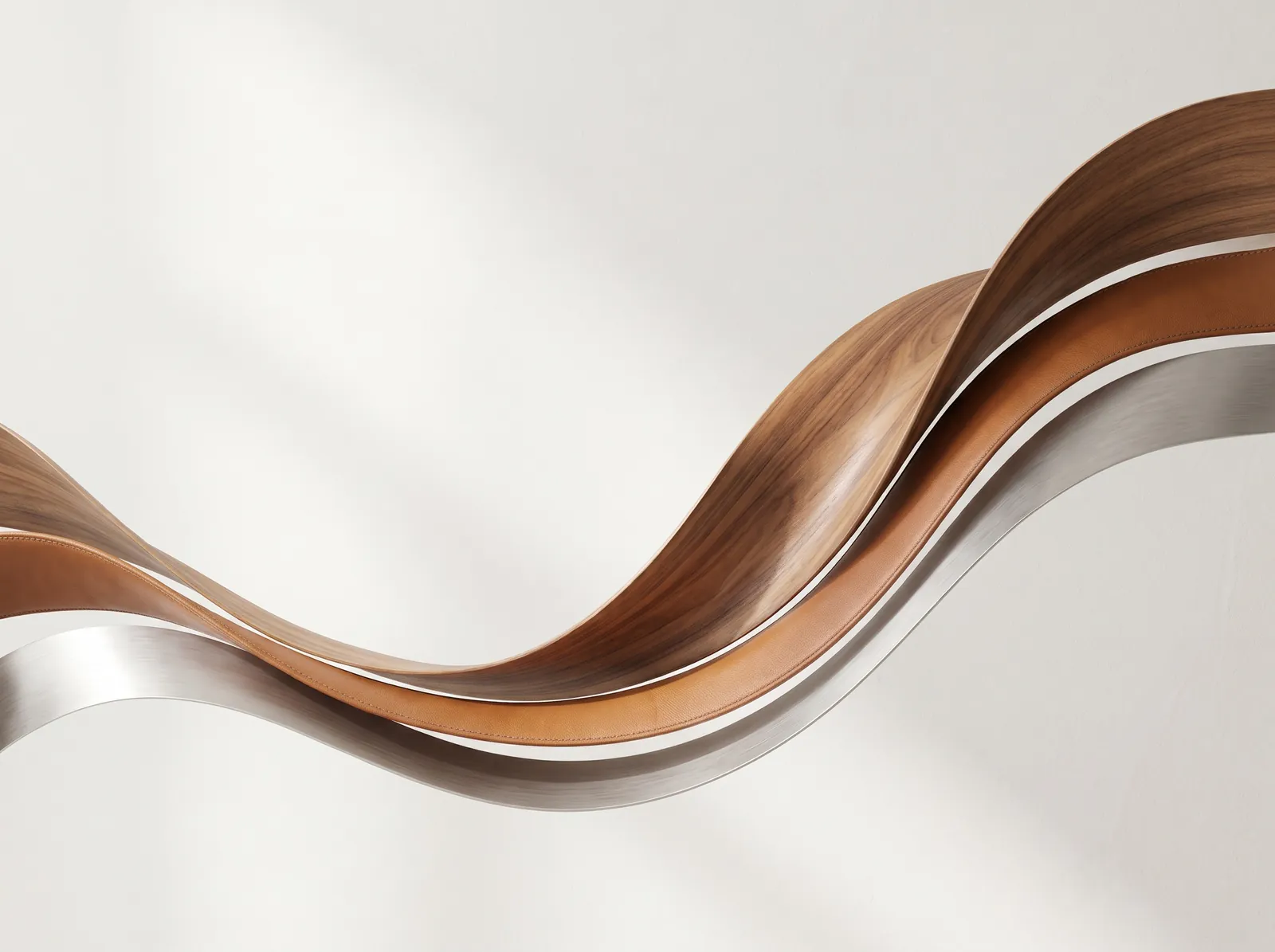
Skapa: A quiet photo editor
Coming soon to the Mac App Store
Free, for macOS 26 or later
The idea
Most photo editors are built like a Chesterfield: deep, buttoned, and stuffed with every tool anyone ever asked for.
Skapa is built like a chair bent from a single sheet of wood. It does the handful of things people actually do with a photo, and nothing else.
Skapa is Old Norwegian: to shape a thing until it becomes what you want it to be.
The tools
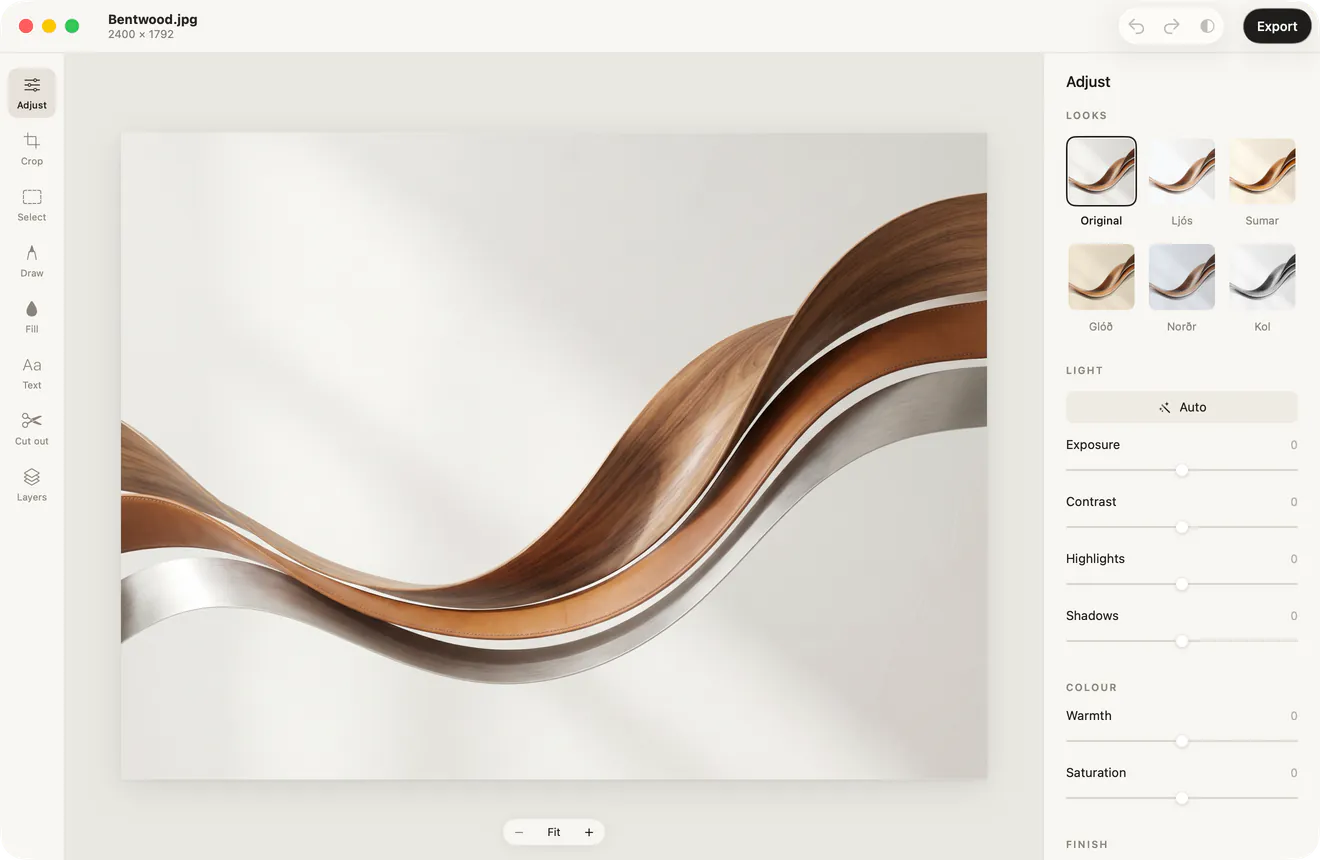
Eight tools. One key each.
-
Adjust
Command 1
Start with Auto, or with a look at whatever strength you like. Then exposure, contrast, highlights, shadows, warmth, saturation, sharpness and vignette, if you want them.
-
Crop
Command 2
Free, or square, 4:5, 3:2 and 16:9 in either orientation, placed around the subject. Straighten by hand or level the horizon in one click. Rotate and flip.
-
Select
Command 3
Rectangle, ellipse, lasso or colour, or the subject in one click. Hold Shift to add. Lift the selection onto its own layer, crop to it, copy it or clear it.
-
Draw
Command 4
A brush with size, opacity and a calm palette, and an eraser that only ever touches the drawing, never the photo.
-
Fill
Command 5
A bucket that fills similar colour, and linear and radial gradients that fade to a colour or to clear. Fills stay inside the selection.
-
Text
Command 6
Click to place, drag to move. Four typefaces, with weight, size and colour.
-
Cut out
Command 7
Remove the background in one click, or click a subject to keep only it. Leave it clear, or set it on a solid colour.
-
Layers
Command 8
The photo, placed photos, drawings and text in a simple stack. Show and hide, fade, reorder and duplicate. Drag to move, drag a corner to resize.
Looks
Six looks, named in Old Norwegian.
Begin with a look, then make it yours: each has a strength slider, and every slider stays adjustable.
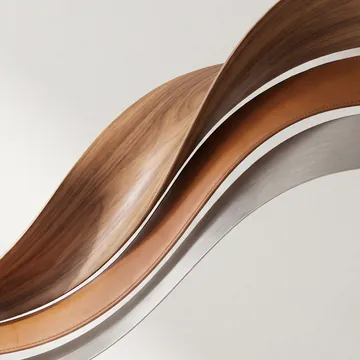
Original
No look

Ljós
Light and airy

Sumar
Bright summer colour

Glóð
Warm and soft

Norðr
Cool and quiet
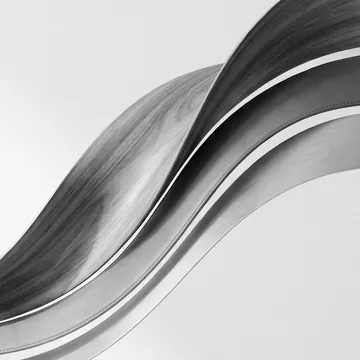
Kol
Charcoal black and white


The same photograph six times, each rendered by Skapa’s own looks. Ljós is light, sumar summer, glóð the glow of embers, norðr north and kol charcoal.
Colour
Eight colours, chosen once.
Draw, fill and set type in a calm palette. Or pick any colour you like, or sample one from anywhere on the screen with the eyedropper.
- Ink
- Chalk
- Stone
- Clay
- Ochre
- Sage
- Fjord
- Blush
Principles
Quiet, all the way through.
Nothing is ever lost
Every edit is non-destructive. The original pixels are never changed, every slider stays adjustable, and undo covers all of it. Hold the half-circle button to see the original.
Clever where it counts
One click for Auto, a level horizon, a crop around the subject or a clean cut-out. Built on Apple’s Core Image and Vision, so it all works offline, and Apple Intelligence doesn’t need to be on.
Free, with nothing to sign
No account, no subscription, no in-app purchases and no ads. Open Skapa and begin.
At home on the Mac
Photos open as tabs in one window, or drag a tab out for its own. Drop, paste, pinch to zoom, scroll to pan, Command 0 to fit. Start from an empty canvas with Command N.
Details
In short.
- Price
- Free. No in-app purchases.
- Requires
- macOS 26 or later
- Opens
- The image formats your Mac reads, such as JPEG, PNG, HEIC and TIFF. Open, drop or paste.
- Exports
- JPEG, PNG or HEIC, at full or reduced size, or straight to the clipboard.
- Smart tools
- Built on Core Image and Vision. They work offline.
- Data collected
- None. Read the privacy policy.
- Language
- English
- Made by
- Glenn Abrahamsen
Skapa: A quiet photo editor
Coming soon to the Mac App Store
Free, for macOS 26 or later